
SolutionsCommunication
Good communication is key to good operations. Having all staff on one platform with messages, alerts and news will make your life much easier. Tailor messages to any groups of staff you need, by contract type, shift or skill.
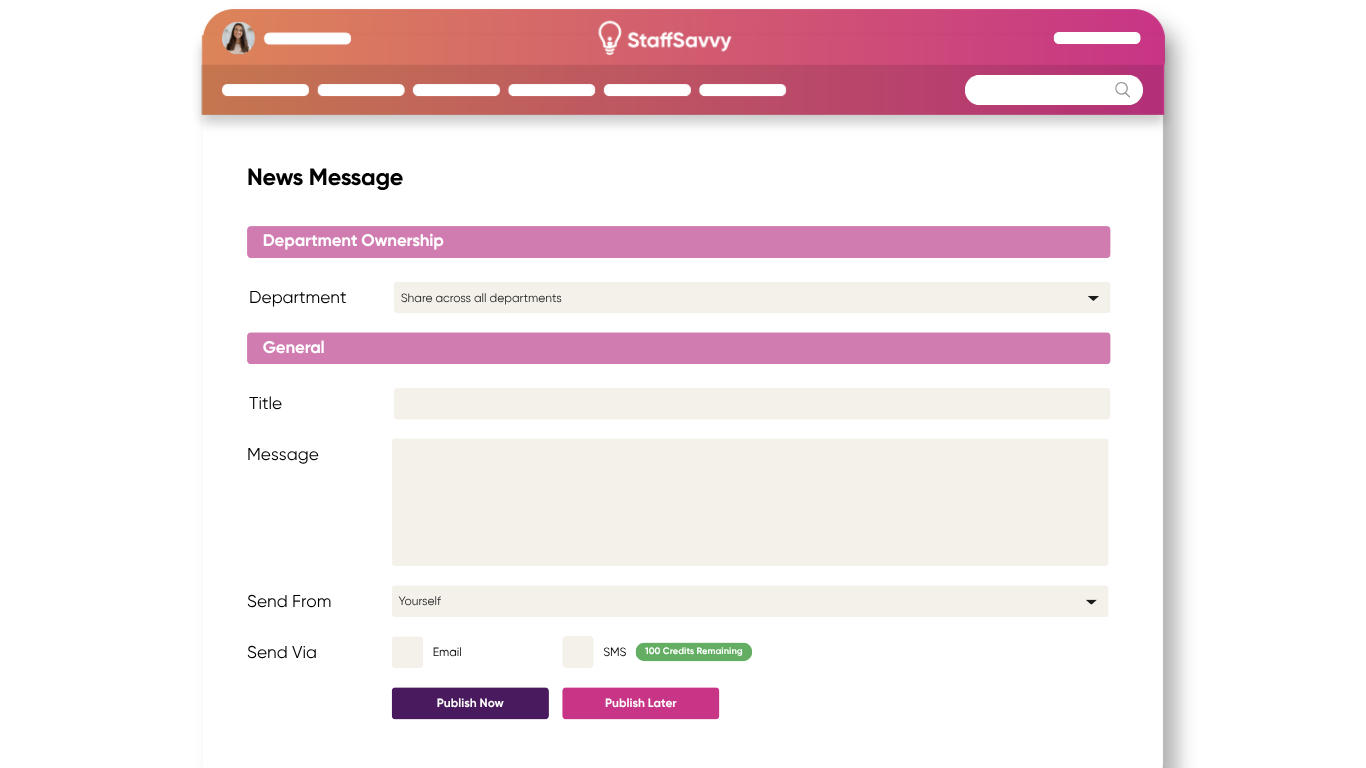
Communication features to improve your staff experience
News
Alerts with staff sign-off
Shift Memos
Staff Messaging
Check-in Forms
Forums
Onboarding Steplist
Automated Shift Notifications
Survey and Feedback Forms
Evaculation Alerts
Swapping shifts if preapproved
Polls
Speedy and automated staff communications
It’s frustrating waiting around for staff to check their emails.
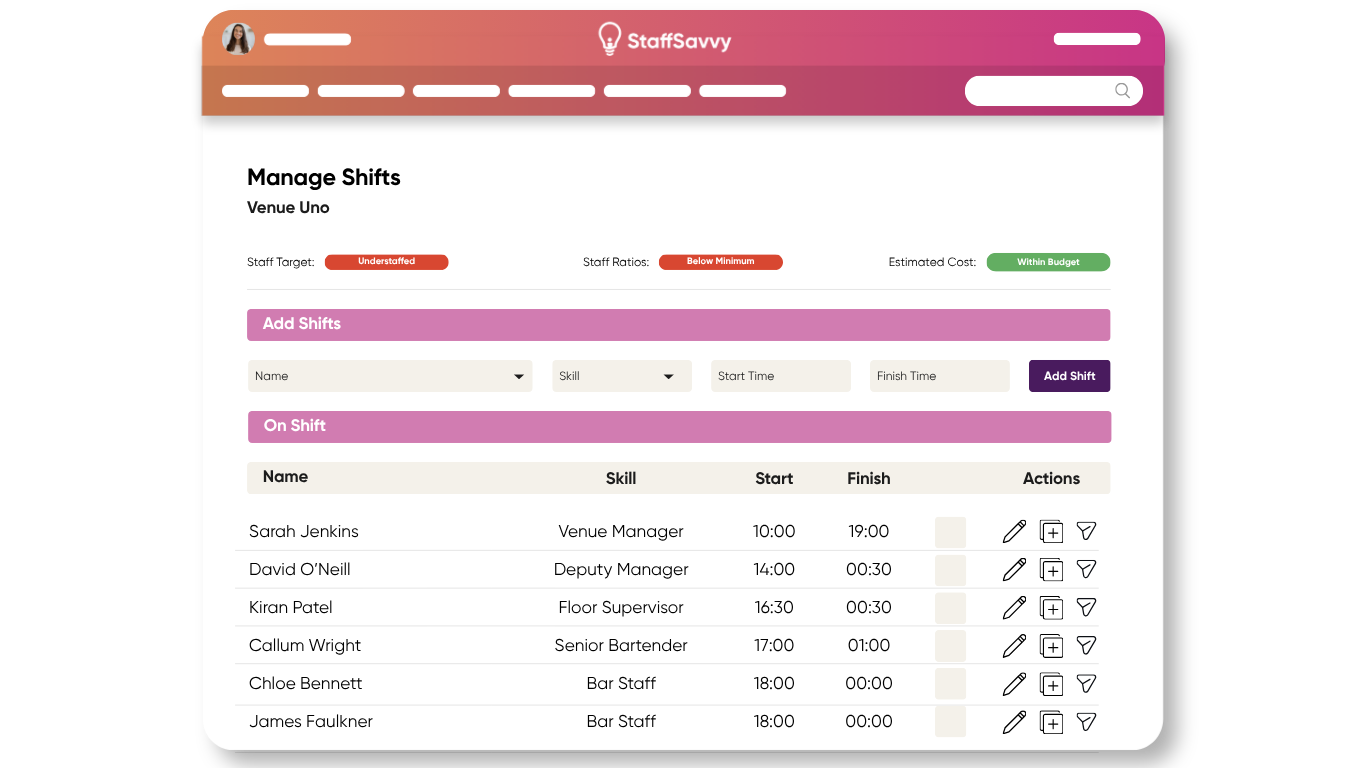
Need to fill extra shifts? Or someone has called in sick? StaffSavvy allows you to easily message staff not working on a particular day to offer them the shift.
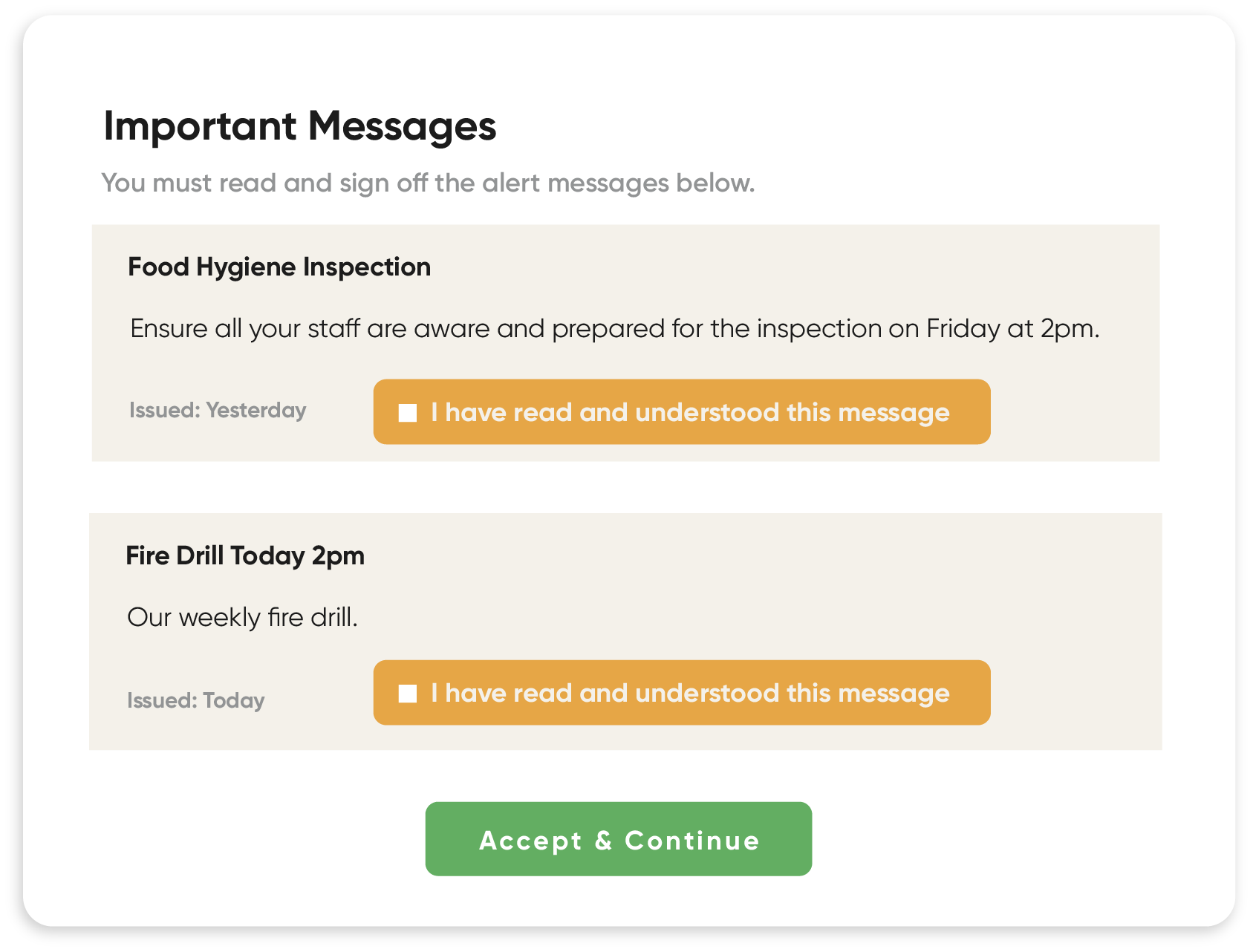
Stay compliant with staff alerts
Need to ensure all your staff have read a message? Just issue an alert. Your staff have to acknowledge that they’ve read the message to access the site.
You can even get a full report detailing when each staff member read the message and how long for.
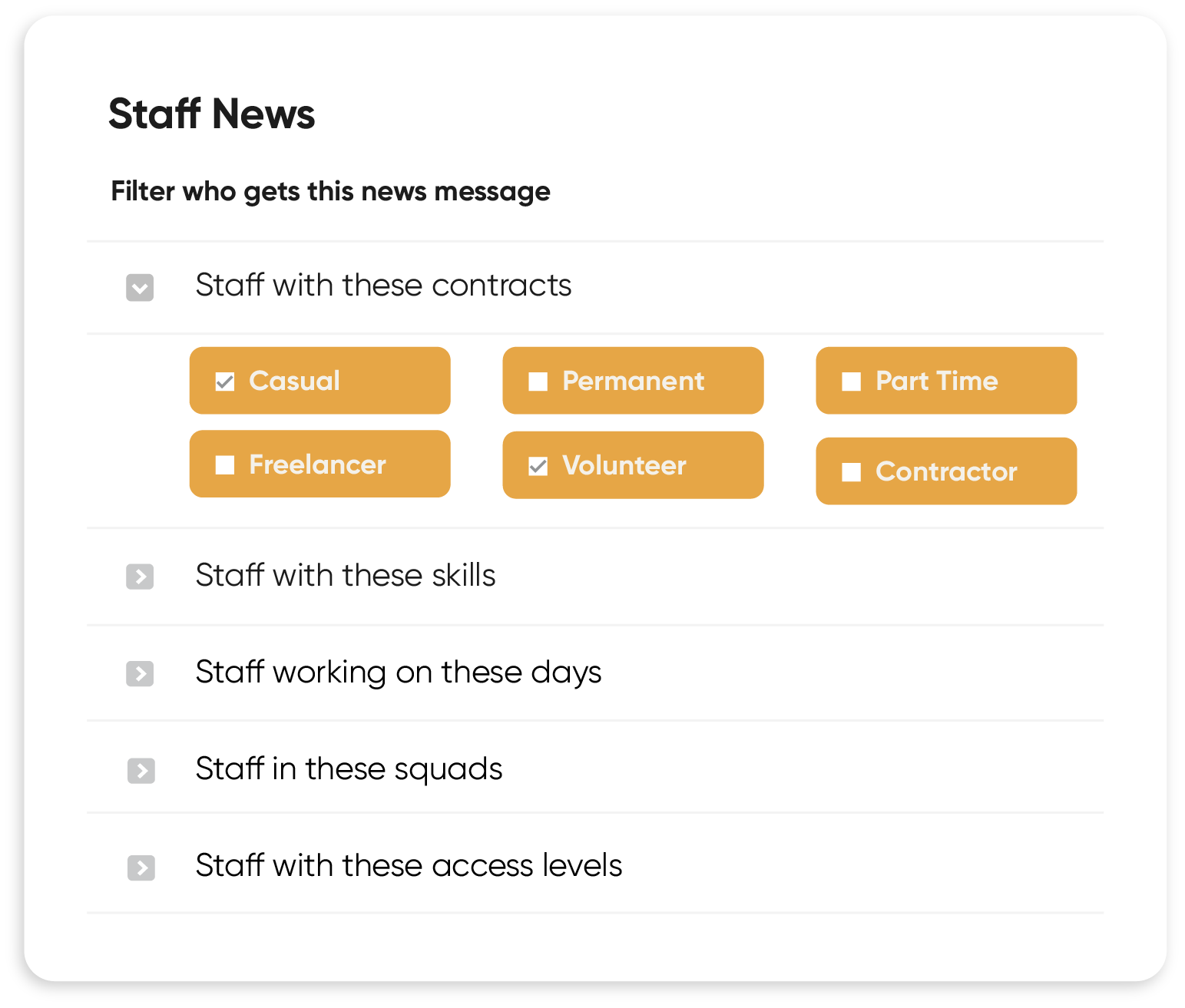
Staff News & Alerts
Streamline your staff communication with in-app messaging and notifications.
Need staff to read a memo before they start a shift? Just add it straight onto the shift for all associated staff to read. Want all casual staff to read a new policy? Create an alert for that contract type. They won’t be able to access the system until they have read the policy.
Staff can easily communicate amongst themselves too, reducing admin time for managers and boosting staff morale.
“Woolwich Works has been using StaffSavvy for five years now. It was a pleasure to come in and have all employees on one communications system. It really simplifies the process when you have different staff types, such as volunteers and casual staff, who aren’t always included in the all-staff emails.”
Shane Delaney
Operations Director, Woolwich Works