SectorsTheatres
Big or small, we support some of the world's busiest theatres. From 100-seat auditoriums or multi-site networks with thousands of seats, we can help you automate and digitise your schedules, HR, and much more.
StaffSavvy supports the smooth operation of your theatre and the growth and development of your teams.

Pay manipulation rules for different shift types
Automated wage sheets for perfect payroll every time
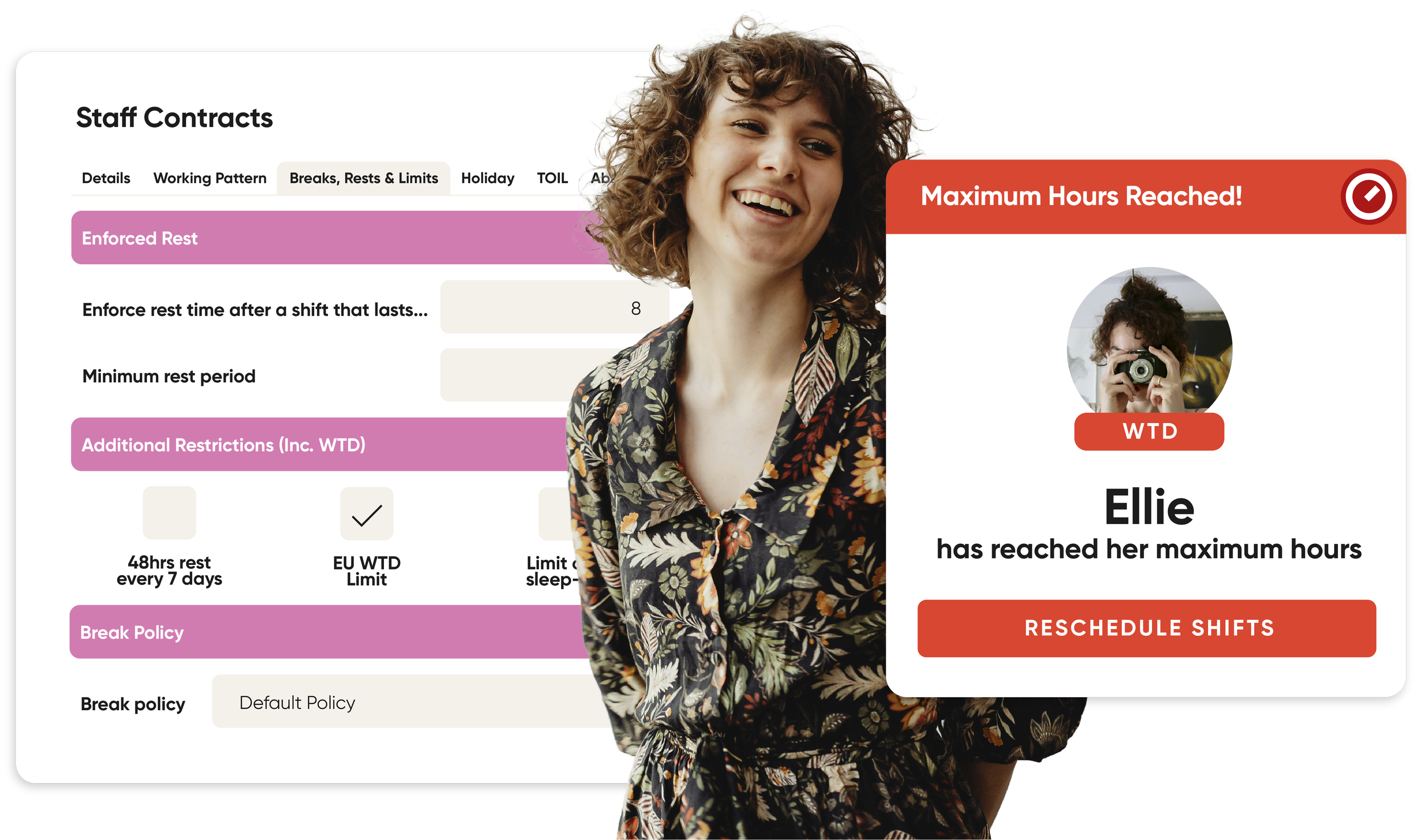
Schedule restrictions for breaks, minimum call times, rest days and more
Staff communication tools with read acknowledgement
Shift Deployments for staff moving around the venue during a shift
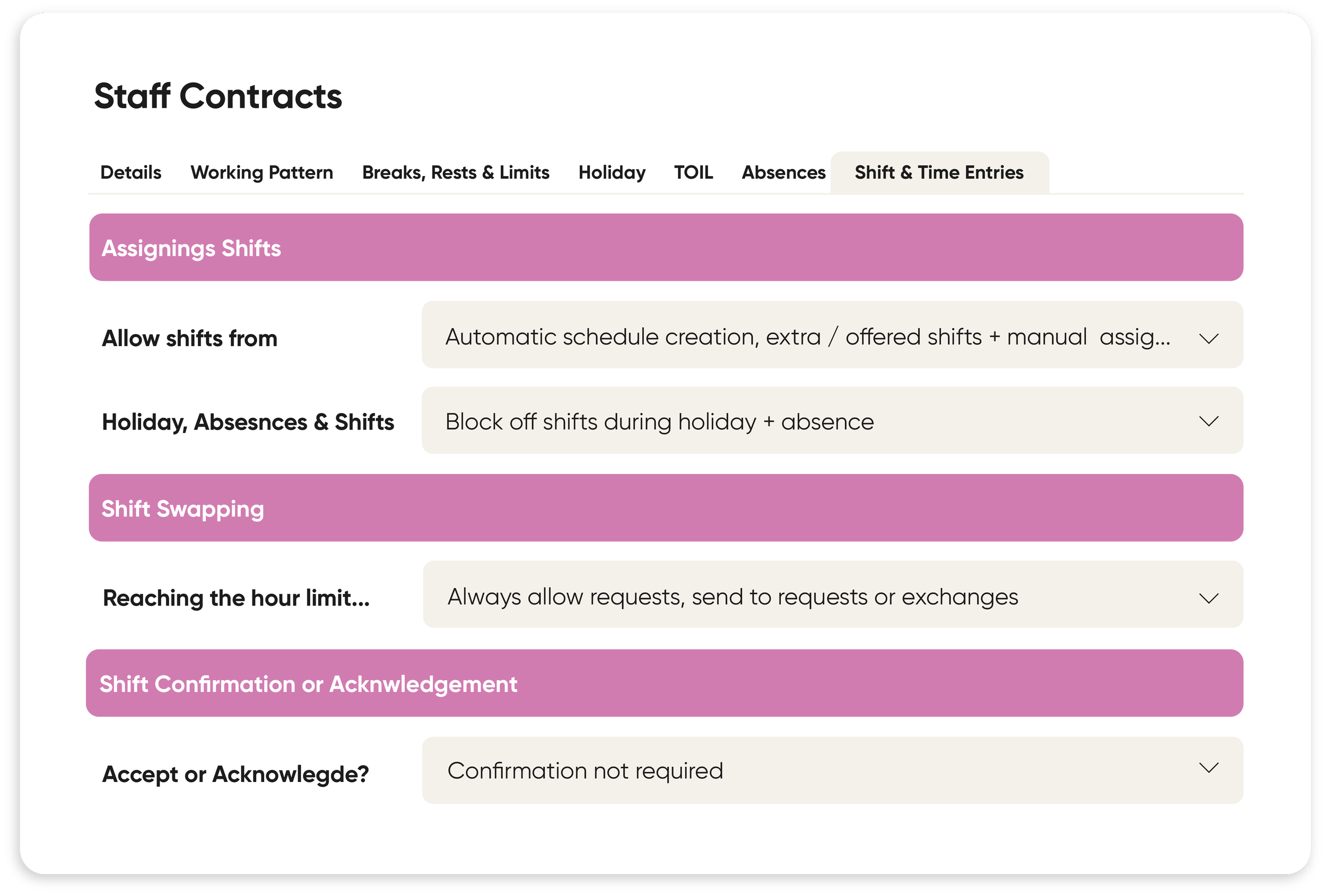
Staff self-managed availability and shift-swapping
Time-off restrictions per week or month
Management-controlled reserved hours
Remote and retrospective clock-in
Easy approval of digital timesheets
Ideal for managing a large team of shift-based staff
StaffSavvy Feature Highlights for Theatres
Flexible Contract Rules
Our contract manipulation rules are designed with the theatre industry in mind. We know there are a lot of complex contracts to be managed, and all of that needs to link up with payroll. You can create rules such as minimum call times, overtime payments and additional compensation.
The rules can run for specific times, days, national or your own organisation holidays, when working so many days a week, or even when working over a certain number of hours.
You can even have sub rules to ensure the system matches exactly with your theatre’s specific needs.
Separate Pay Rules & Shift Rules
With StaffSavvy, we keep the pay rules separate to the shift scheduling rules so that the system will still maintain the actual hours worked and will use these for contract limits and rules; it is simply the hours paid that will be adjusted.
Shift budgets will take into account any of the contract rules too so that the predicted cost of a shift will be correct.
Event Management Integrations



Shift Deployments
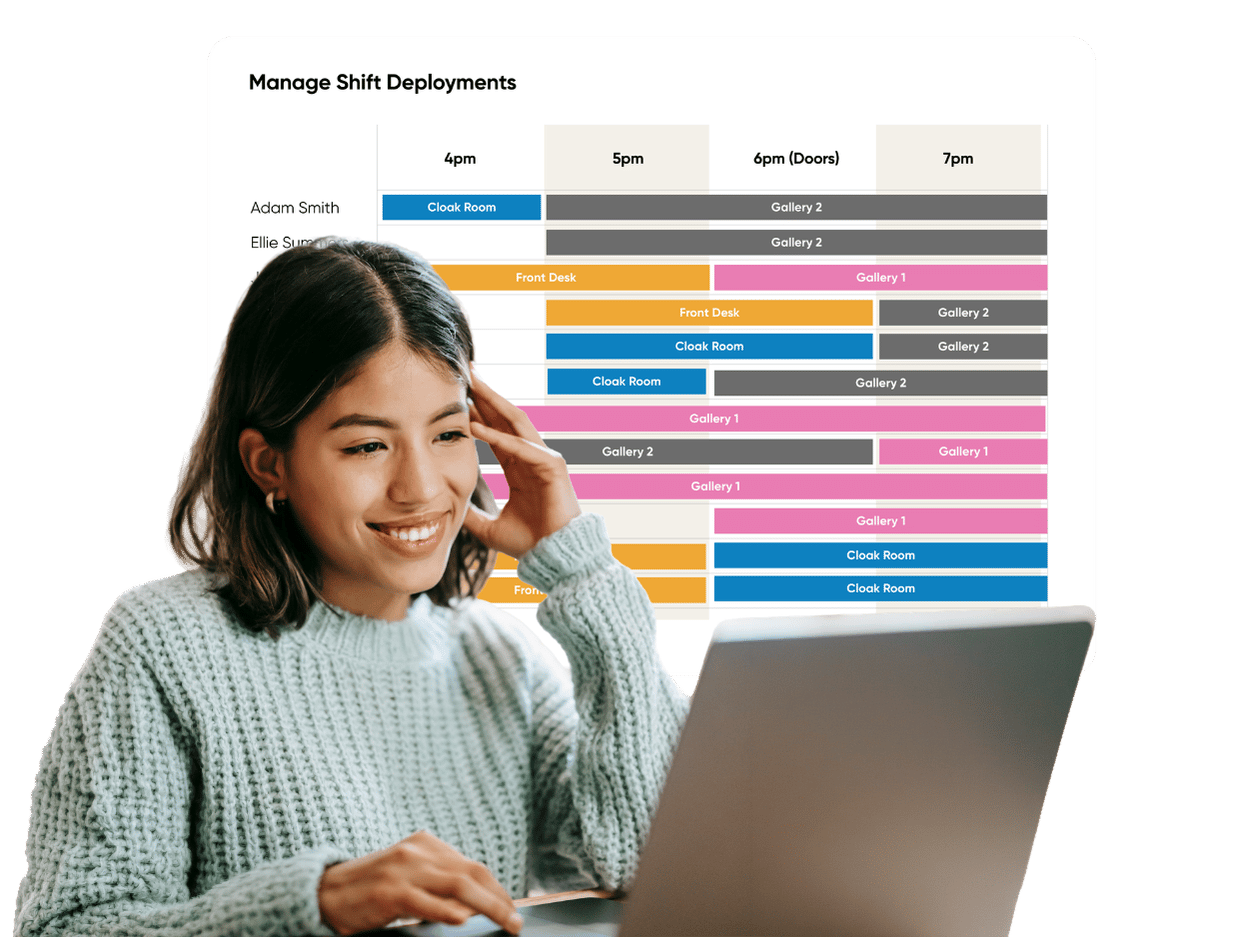
This feature was designed with theatres in mind, where staff often need to move around the venue during a shift. Now you can easily plan and track who needs to be where in during their shift.
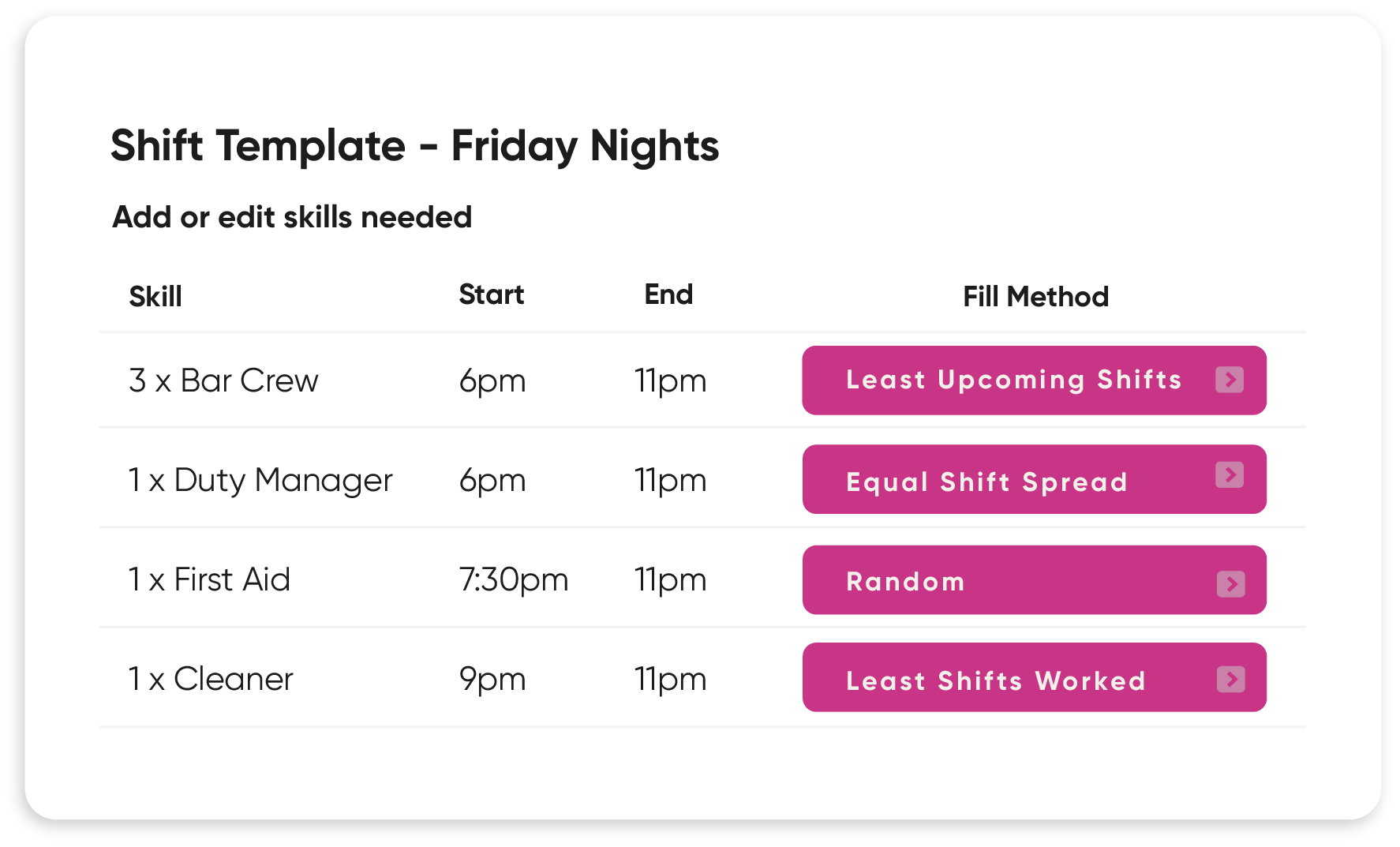
Create templates with multiple areas and positions that can be auto-filled at the click of a button.
Easily view shift deployments online, in the staff app or print them out by staff or position.
Trusted by Industry Leaders




























Training and Support You Can Trust
Unlimited training and support from a team of real people with years of experience.

Beth
Theatre & Integrations Specialist

Emily
HR Specialist

Jessica
Visitor Experience Specialist

Poppy
Key Account Manager

“StaffSavvy successfully replaced several different systems with a single unified rota and a formal messaging platform. It saves our managers hours of work every week compared to the system it replaced; it’s a winner!”
Anthony Lynch
Head of Front of House & Tours, Royal Albert Hall
Theatre FAQs
-
Yes. We use Shift Deployments for this. You can have templates of how long you need people at each area of the venue. Staff get notified in the StaffSavvy app or you can print out deployments by staff member or by station.
-
Yes. Our contract rules and contract manipulation rules allow for compliance with very strict parameters.
-
Yes, you can track a budget per day. See if you are over, on or under budget for the shifts you have planned. Removing or adding shifts updates the budget in real time.