Integrations
Momentus Elite
Momentus Elite, formerly VenueOps, is software that manages the data and resources you need for your venue spaces and event operations.
We have collaborated with them to bring your event information from their site, including resource booking requests, directly into StaffSavvy.

Easy Integration
Our intelligent integration continuously downloads the latest information from Momentus Elite.
All you need is your account URL, the API Client ID and Client Secret, which you’ll find in your Momentus Elite system.
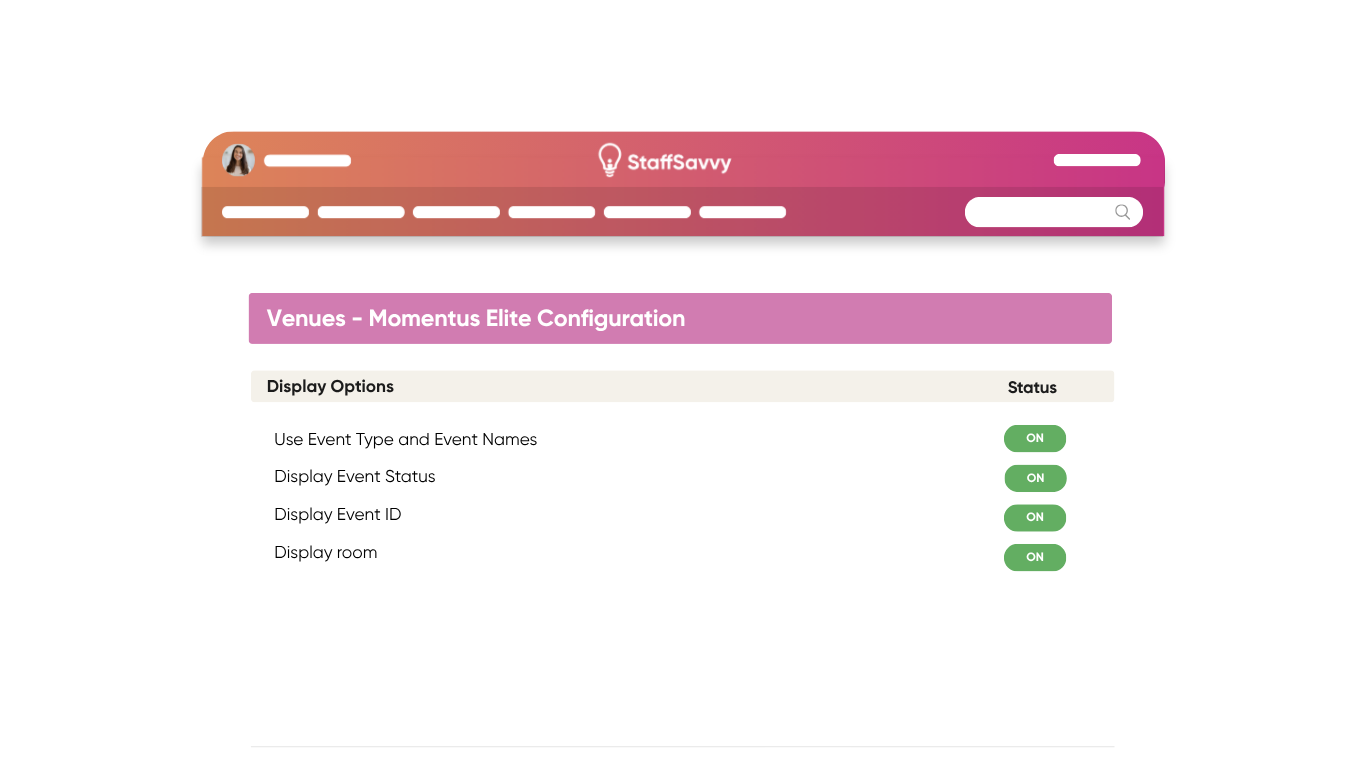
Room Sync
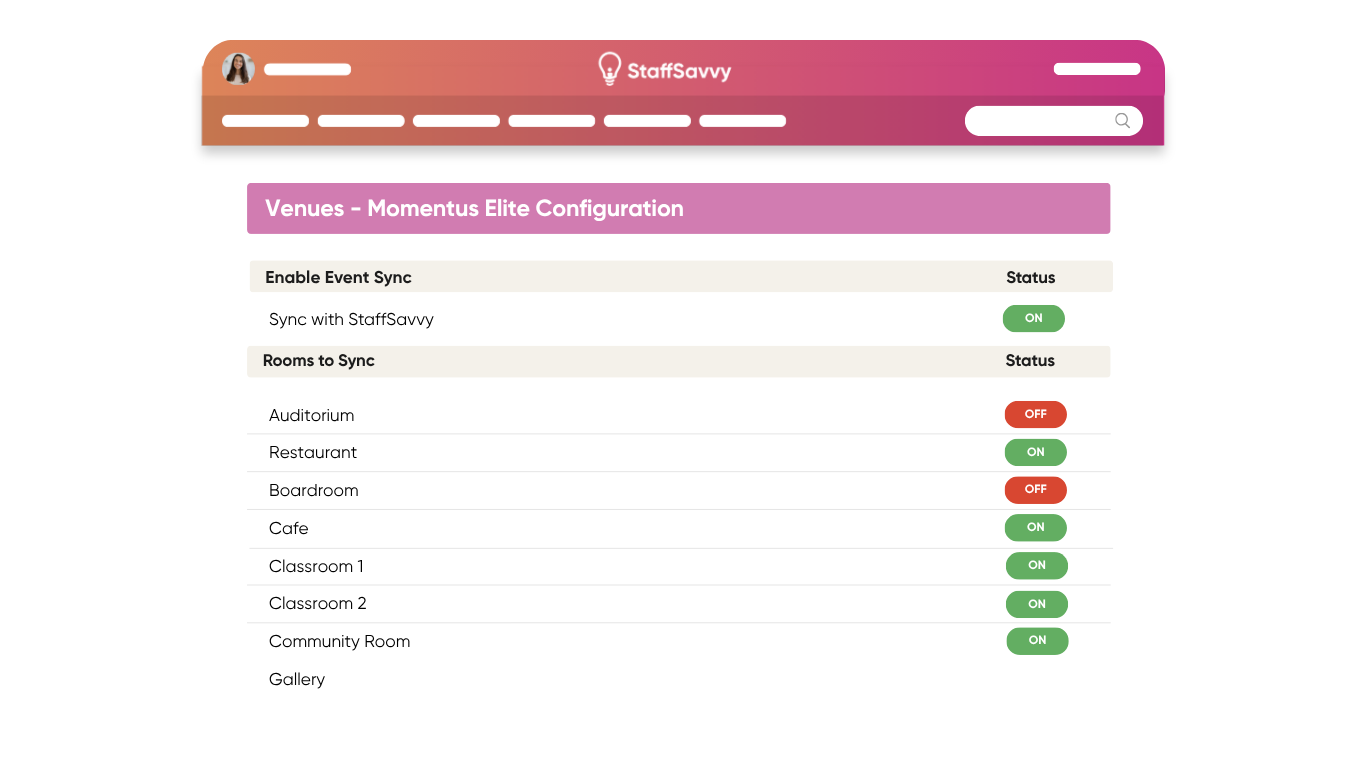
Using our detailed configuration options, you can import whatever rooms you like from your Momentus Elite account.
Choose the status filter to ensure you only see the ones you need. Allowing you to focus on the events that are scheduled and require staffing.
Event Staffing
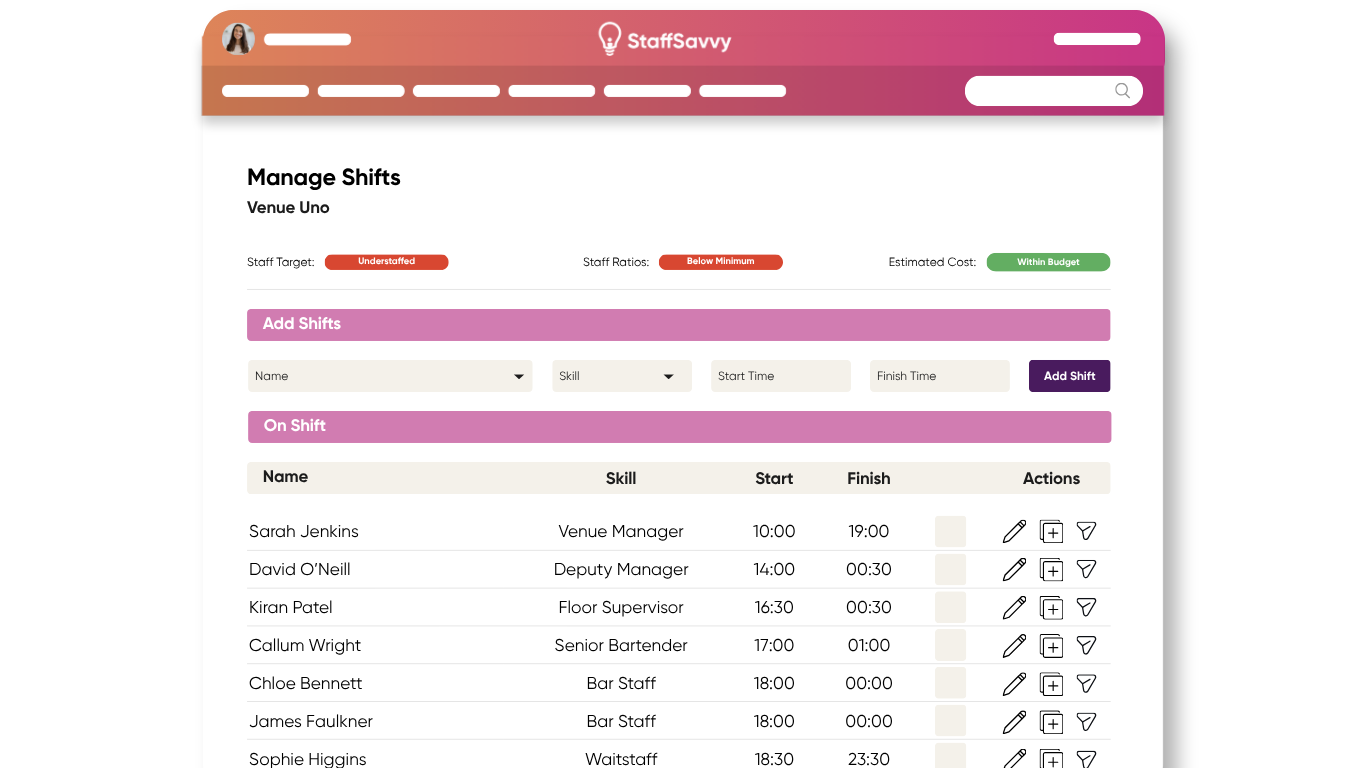
When importing events, you can adjust whether the event time will be the same as what you have in Momentus Elite or whether you want StaffSavvy’s events to start before and end after for staff scheduling purposes.
From here, you can take advantage of the StaffSavvy scheduling and management opportunities. Once you have assigned your staff roles and decided what roles you need at each event, we will automatically create your event rotas for you.
We also take care of all communication with staff within the platform, saving you hours of time while having a digital record of everything you need for an event.
Trusted by Industry Leaders