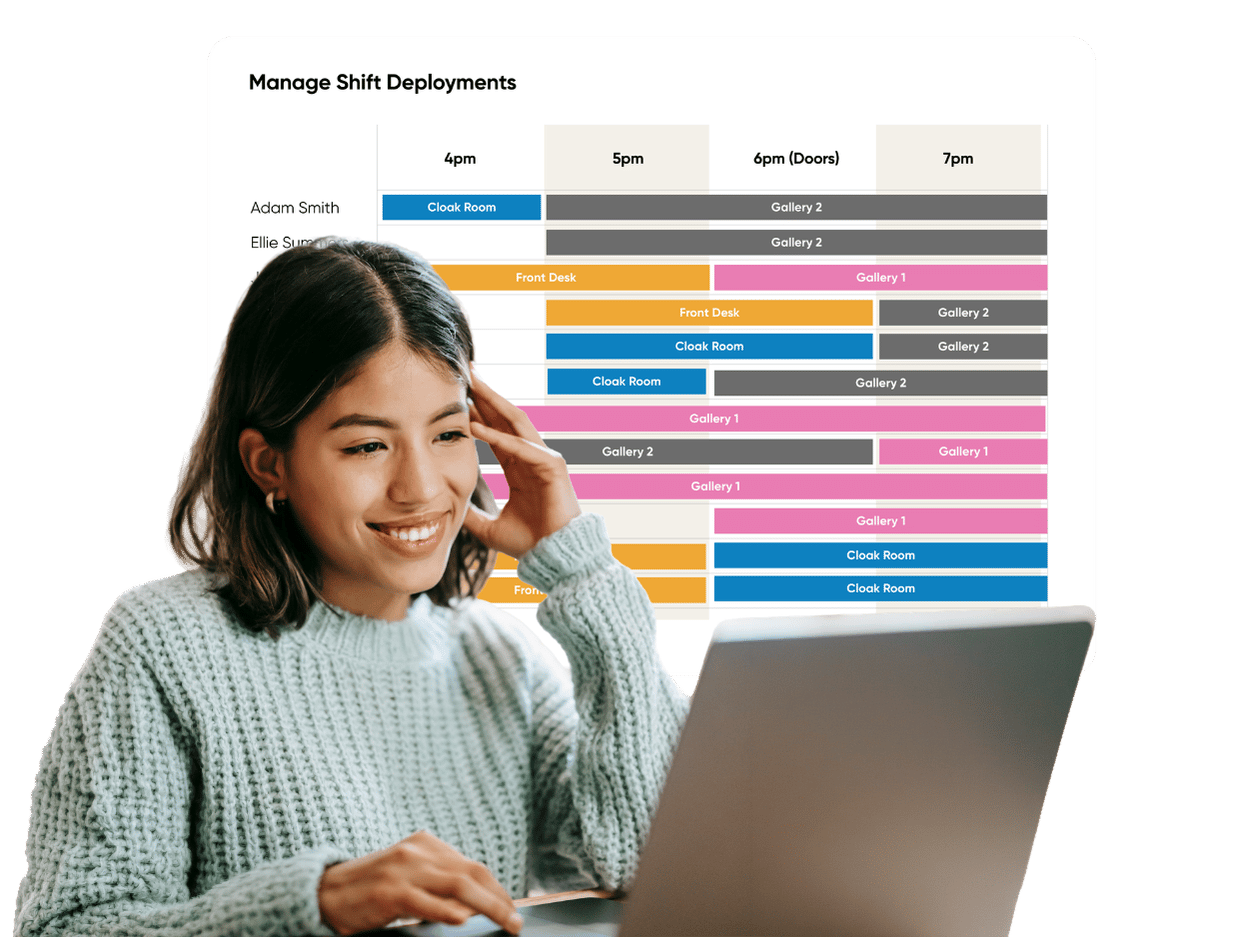
Specialities
Multi-Venue Staff Scheduling, Simplified
One platform to manage every venue, site, and department.
Eliminate double bookings, control cross-location staff costs, and build balanced multi-site rotas in a fraction of the time.
How it Works - 3 Simple Steps
Step 1 - Configure your Venues and Rules
Set up your locations; you can have unlimited venues and locations per account. Assign managers and define custom manipulation rules (such as minimum contract hours, travel buffers, or location-specific pay rates).
Step 2 - Deploy Multi-Venue Templates
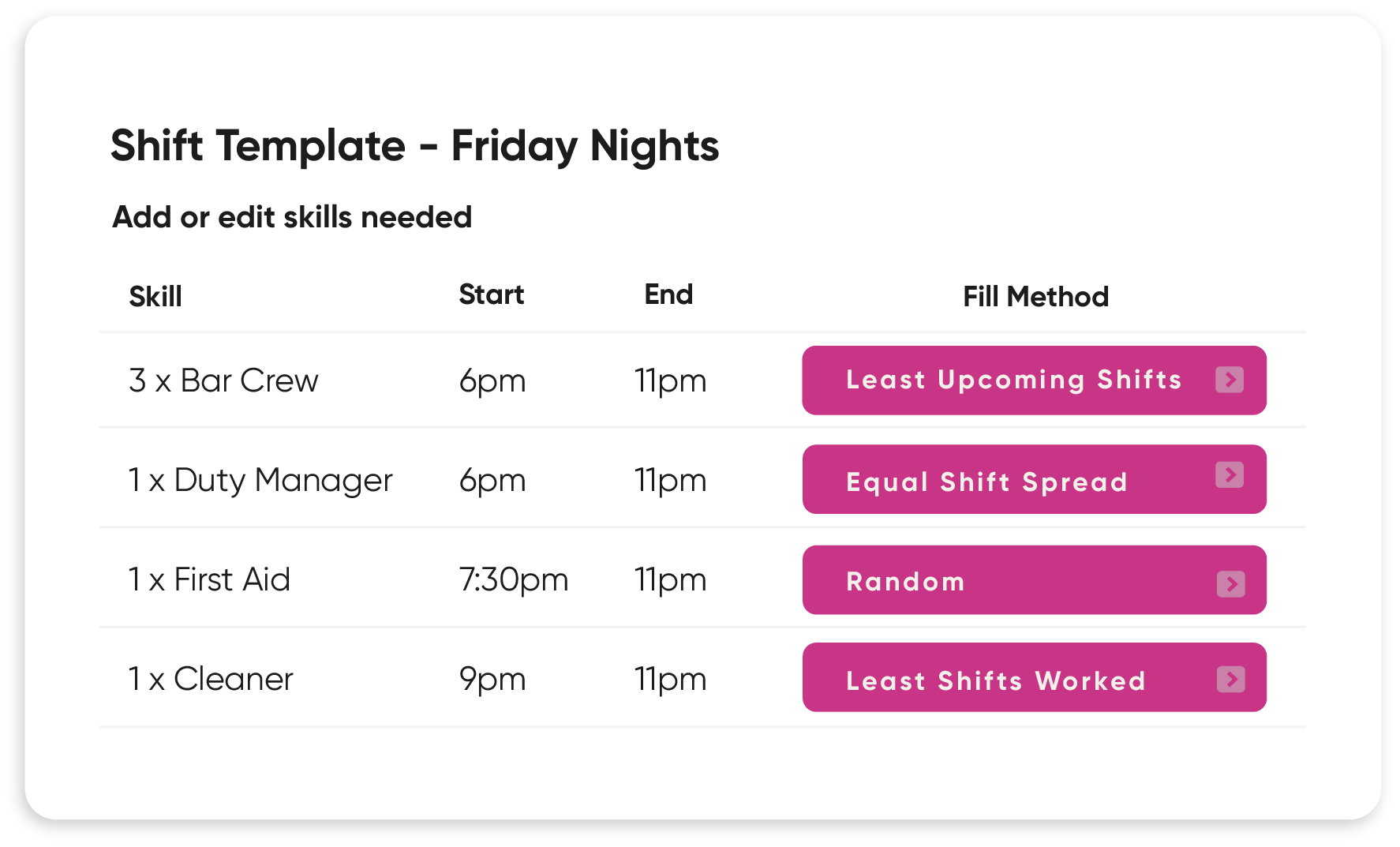
Use StaffSavvy’s Venue Groups and flexible templates to build schedules across single or multiple venues in bulk.
Step 3 - Auto-assign and notify staff
Let the auto-scheduler match shift requirements against staff availability and skills, pushing real-time schedules straight to their StaffSavvy mobile app.
Key Features
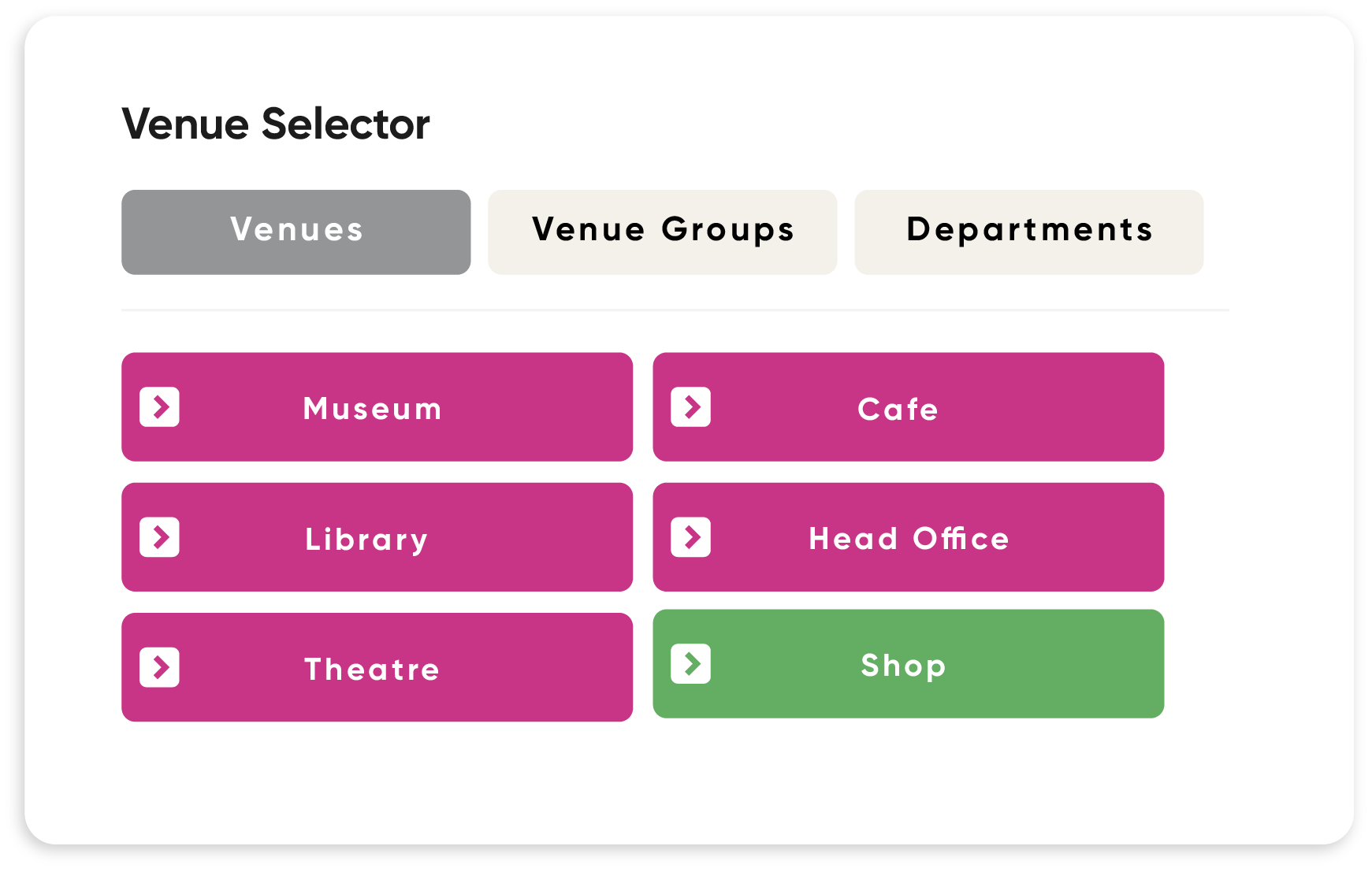
Unified Venue & Venue Group Management
Flexible Venue Hierarchy: Group physical sites, sub-areas, or pop-up events into Venue Groups.
Single-Click Switching: Multi-site managers can instantly toggle between individual sites or view an aggregate schedule for the entire region.
Intelligent Multi-Venue Auto-Scheduling
Cross-Site Skill Matching: Populate shifts automatically based on availability, default skills, and contract rules—regardless of which venue they usually work at.
Linked Shifts & Multi-Day Templates: Create shift patterns that span multiple venues or consecutive days with zero manual rebuilding.
Automatic Conflict Prevention: StaffSavvy automatically flags overlapping shifts across all venues and enforces mandatory rest breaks between locations.
Location, Distance & Rest Limits
Travel-Time Awareness: The platform factors in physical site addresses to calculate distances, ensuring staff aren't scheduled back-to-back at distant locations.
Venue-Specific Rules: Set bespoke clock-in rules, check-in forms, and arrival messages depending on the location's specific operational needs.
Real-Time Multi-Site Staff Analytics
Cross-Venue Reporting: Compare staff budgets, actual hours worked, and overtime exposure across sites in a single dashboard. Read how this has helped Trafalgar Entertainment when managing 14 theatres with StaffStavvy.
Unified Payroll Sync: Consolidate hours from all venues into a single export for seamless payroll processing.
Manage all your Assets by Department
Stay Organised with Departments: Assets that can be assigned to a Department include: Contracts, Skills, Venues, Messages, Tasks, Alerts, Triggers, Certificates, Exams, Document Types, Shift Tasks, News, Check-in Forms, Clock-in locations, Personal records, Recruitment positions, Recruitment forms, Training programs, Steplists, Case types, Assets, Awards & Shift ranges.
Multi-Venue Scheduling FAQs
-
Yes. StaffSavvy tracks shift start times, locations, and travel distances to allow multi-venue shifts while enforcing rest periods and travel buffers.
-
Absolutely. Role-based permissions allow venue managers to see only their specific sites, while regional directors get bird's-eye access across all Venue Groups.
-
StaffSavvy maintains a central record for every employee. If a shift is assigned at Venue A, that employee is automatically unavailable for overlapping shifts at Venue B.
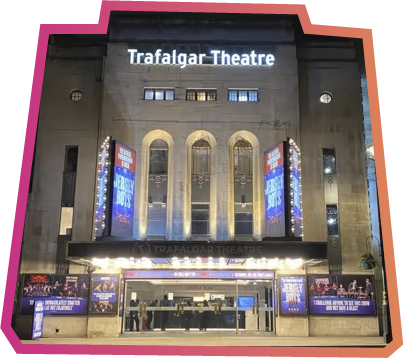
“One of the biggest benefits has been the level of operational insight now available to managers, allowing us to better understand staffing costs, shift allocation and departmental planning across our venues.”
Trafalgar Entertainment
14 venues, 800+ staff
Venue Management Integrations



Product Feature List
Automation
Communication
Compliance
HR Tools
Expenses
Recruitment
Scheduling & Rotas
Timesheets
Training