
SectorsMuseums
StaffSavvy offers easy management of salaried, casual, volunteer and freelancer staff within a single rota and payroll. Managing everything from availability to communication, and recruitment to onboarding.
We built the Shift Deployments feature with museums in mind. Making it easy to many the day to day movement of staff around the venue.

StaffSavvy Feature Highlights for Museums
Pay and cost code manipulation rules for different shift types
Automated wage sheets for any payroll provider
Staff communication tools with read acknowledgement
Easily manage and communicate with a variety of staff types - freelancer, volunteer, contractor, part-time, zero-hour etc
Recruitment & Onboarding built in, providing a smoother hiring process
Staff self-managed availability and shift-swapping
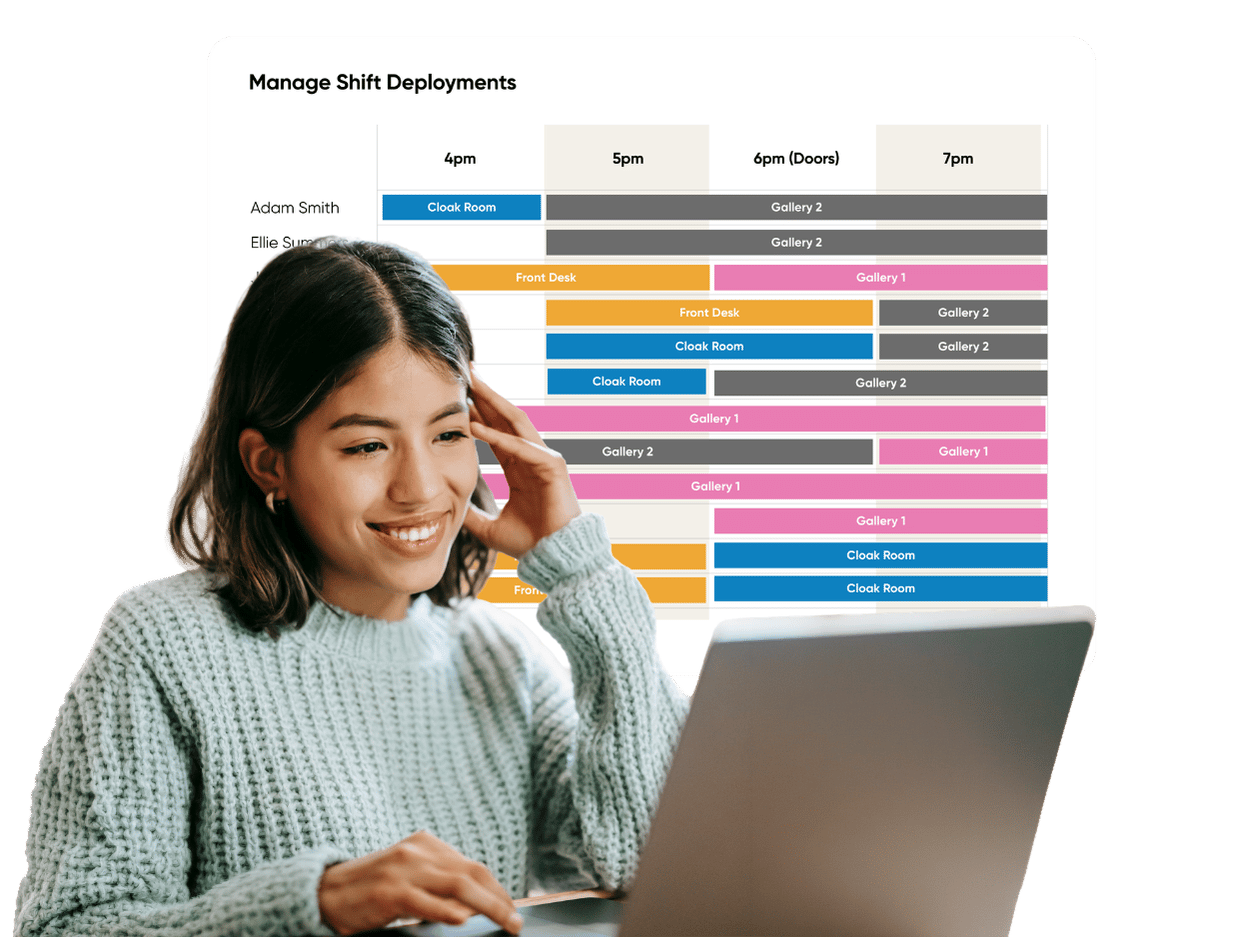
Shift Deployments for staff moving around the venue during a shift
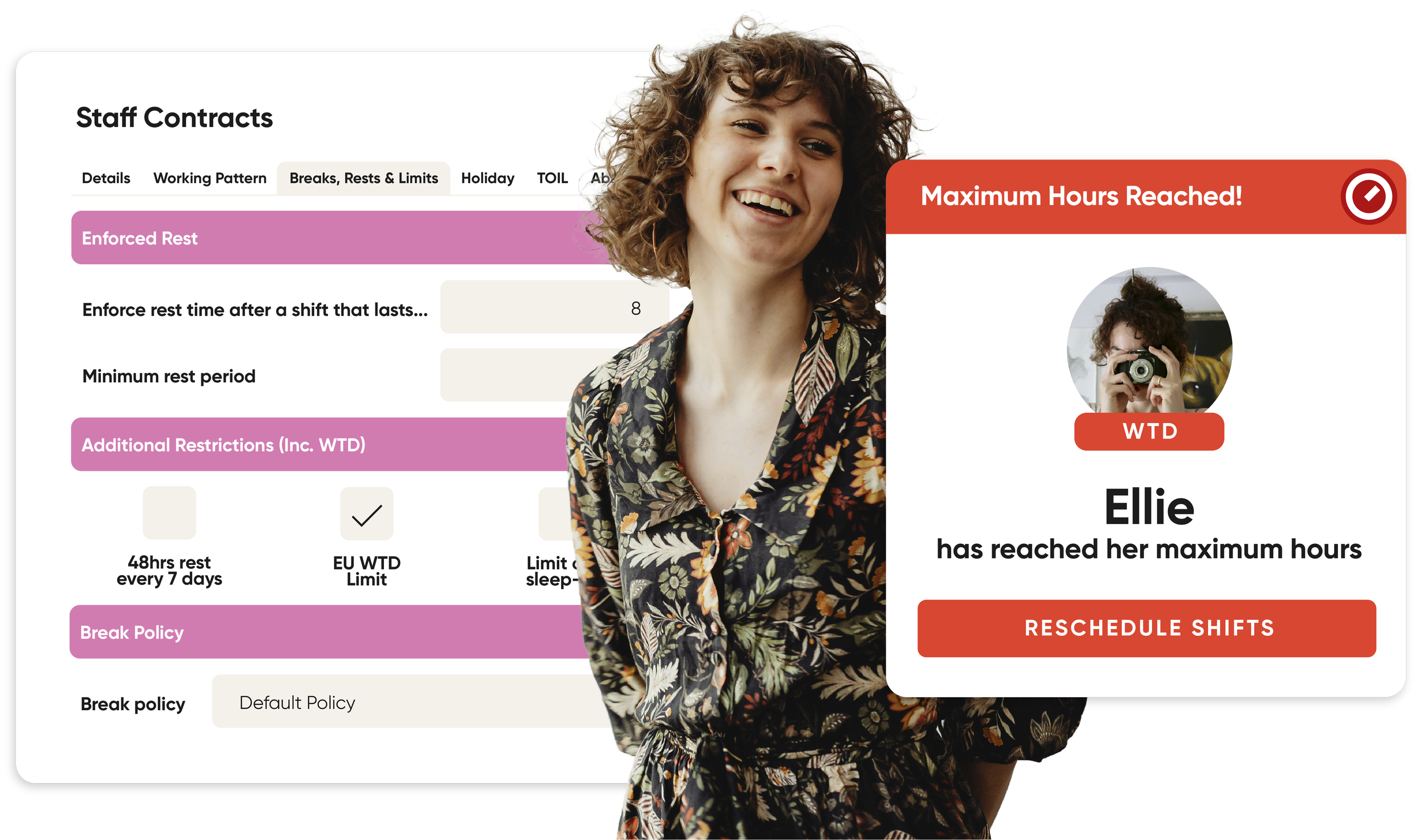
Time-off restrictions per week or month, so you have cover when you need it
Management controls reserved hours, so staff know when they have to work
Schedule restrictions for breaks and rest days for automated compliance
Remote and retrospective clock-in
Supporting Varied Staff Contracts
Find yourself easily supporting salaried, casual and volunteer staff in the one system. And any other type of contract for that matter.
Shift Deployments
This new feature of our rota management software was specifically designed with museums in mind, where staff often need to move around the venue during a shift.
Easily keep track of who needs to be where in your venue during a shift. Plan templates with multiple areas and positions that can be auto-filled at the click of a button. View shift deployments online, in the staff app or print them out by staff or position.
Event Management Integrations



“Our payroll and timesheet admin time has been reduced significantly, saving individual teams between 10 and 20 hours a month. It’s remarkable.”
Josh Chandler
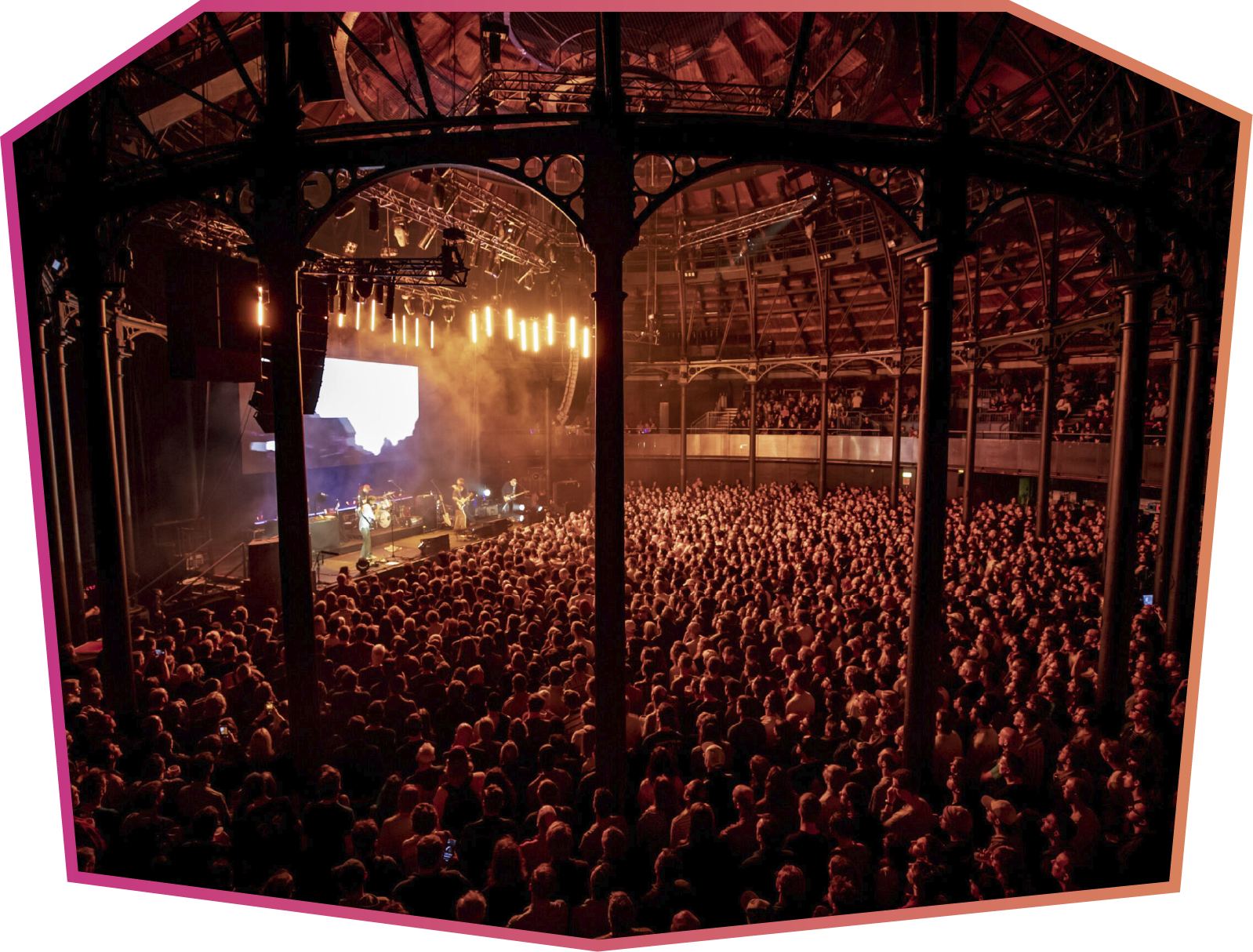
Senior Systems and Technology Business Partner, Roundhouse
Trusted by Industry Leaders












Scheduling Edition
Full scheduling with time & attendance, but no HR tools.
Workforce Edition
Scheduling Edition plus HR, reporting, training and more.
Training and Support You Can Trust
Unlimited training and support from a team of real people with years of experience.


Beth
Jessica
Theatre & Integrations Specialist
Visitor Experience Specialist
Emily
Poppy
HR Specialist
Key Account Manager


Museum Scheduling FAQs
-
StaffSavvy offers a variety of options for filling shifts;
Equal Shift Spread - This method looks at the number of hours worked over the last few weeks and into the future. The system then tries to allocate the same number of hours to all staff. It is the most common and most helpful method.
Random - This will use a completely random order to choose who should work each shift. This will not provide any equal allocation or fair schedules. It’s suitable to add an element of randomness to a schedule that is very repetitive. In these cases, use it on one or two rows of a template to add the random element.
Least Upcoming Shifts - The staff with the fewest shifts scheduled in the future will be assigned first. This will not look at the number of hours, just the number of shifts.
Most Shifts Worked - The staff who have completed the fewest shifts over the last few weeks will be assigned first.
Least Shifts Worked - The staff who have completed the fewest shifts over the last few weeks will be assigned first.
String of Similar Shifts - This will prioritise the staff who worked the same shift (skill and times) the previous day. This is intended to help staff have a series of shifts at the same time before changing; e.g. a string of 4 nights before changing back to days. This should be used along with a Contract Restriction to prevent too many shifts being worked in a row.
Prioritise Shifts Working the Same Day - This option will prioritise giving the same staff additional shifts on the same day. This is so that staff who are already working and would prefer to continue working that day would be given priority if allowed rather than splitting it between multiple people.
Balance Fair Schedule with Travel Distance
Shortest Travel
Keep Colleagues Together and then Balance Fair Schedule with Travel Distance
Keep Colleagues Together and then Shortest Travel
Keep Colleagues Together and then Equal Shift Spread
Alphabetical (A-Z) - Work down the list of staff alphabetically.
Alphabetical (Z-A) - Work up the list of staff alphabetically.
Alphabetical Alt. (A-Z): Work down the list alphabetically and skip every other staff member. Then, return and go through all of the skipped staff members. This is useful for mixed teams that often use the Alphabetical option.
Alphabetical Alt. (Z-A):
-
Yes. For teams moving across sprawling estates or outdoor museum sites, StaffSavvy supports Remote Clock-In via mobile devices:
Managers can enable location verification settings (GPS bounds) to ensure staff are physically on museum grounds when starting their shift or moving between outdoor posts.
-
Yes. When staff check in or switch tasks, managers can attach custom Arrival Messages and shift notes. These provide instant directions—such as key code updates, specific gallery entry points, or temporary safety guidelines—directly on the clock-in screen or app notification.
You can also attached Tasks to a shift.
-
Yes. You can authorise unlimited Clock-In Screens (on tablets or kiosks) across your museum and filter them by specific zones, tasks, or roles:
A screen located in the gift shop can be configured to only show retail staff, while a screen in the gallery wing displays floor stewards.
Staff moving across large physical spaces can use the nearest authorised station to record their arrival or transition.
-
StaffSavvy is specificially designed to accommodate variable-hour workforces (e.g., gallery stewards, volunteers, event staff, and temporary exhibition teams):
Availability Submissions: Casual staff can set their recurring availability or enter specific un-available dates directly through the mobile app.
Open Shift Bidding: Managers can publish unassigned shifts to a pool of qualified casual staff, allowing team members to claim shifts that fit their personal schedules.
Automated Fair Allocation: Schedulers can set rules to automatically offer shifts based on criteria such as hours already worked, or hours needed to reach contract minimums.
-
Managers can instantly broadcast a "Shift Cover Required" alert via push notification or SMS to all available, qualified casual team members.
The first eligible staff member to accept the alert can be automatically added to the shift roster, keeping coverage seamless for busy weekend or event days.
-
Yes. Shift Deployments in StaffSavvy are created exactly for this purpose. Dynamic mini-schedules designed to station staff members in specific positions, rooms, or posts within a venue and move them around seamlessly throughout a single overall shift.
Rather than treating a workday as one static block (e.g., “9:00 AM – 5:00 PM: Gallery Steward”), deployments allow managers to divide that shift into smaller time blocks. This way staff know where they need to be throughout their shift, and as you can automate this you don’t need to spend hours planning this in a spreadsheet along with your rota.